Creating a New User in Illumio Console
Note
Before you add an external user, make sure that the user has been assigned to Illumio Console in Entra ID.
Within Illumio Console, navigate to Access > Users and click + Add.
Enter the user information in the First Name, Last Name, and Email Address fields.
Edit the value in the Roles field, if appropriate.
Select External from the Type drop-down list.
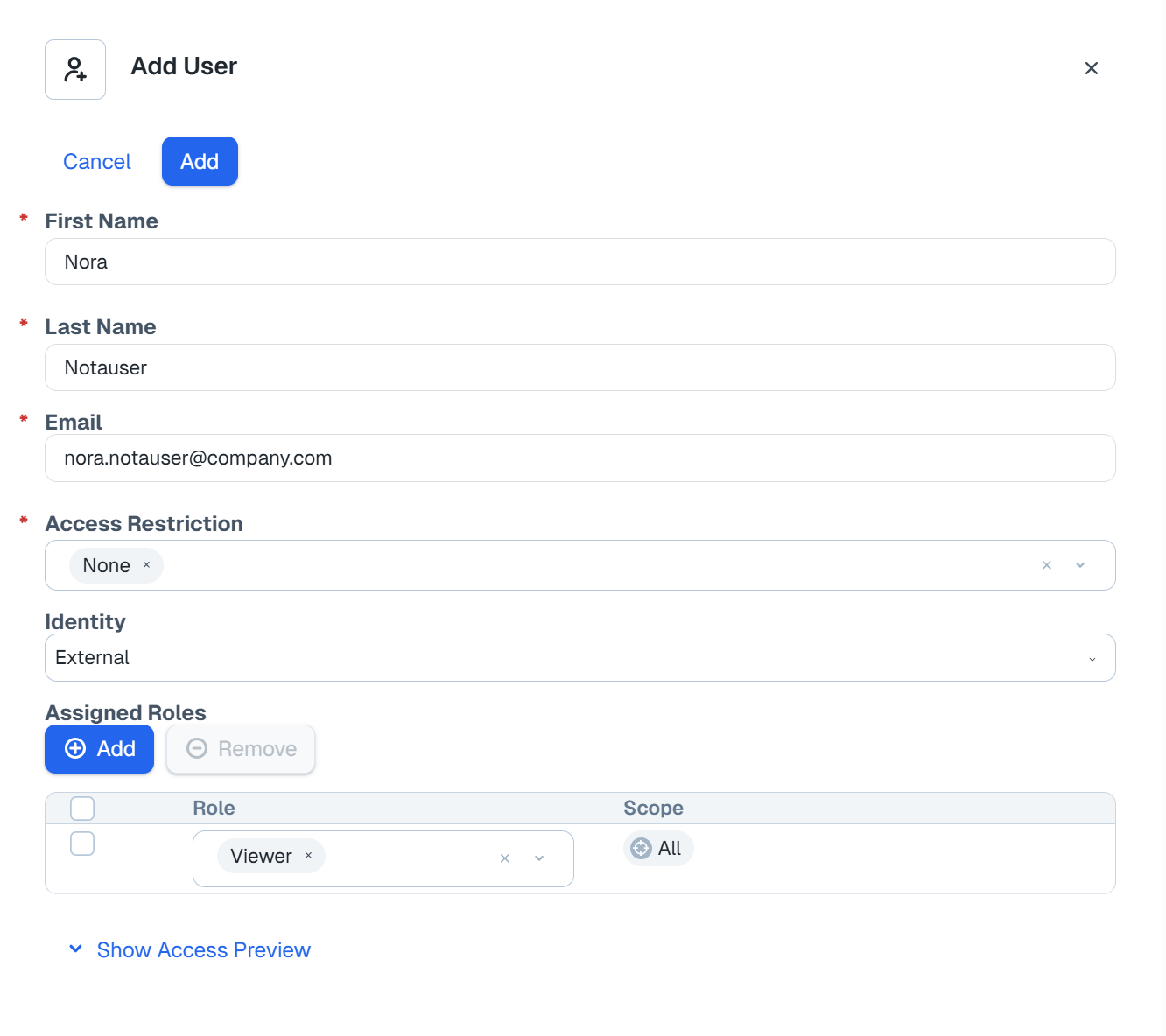
Click Save.