Before You Begin the Custom Migration
Caution
Illumio recommends the custom migration path for customers who have over 20,000 workloads.
Make sure you’re set up for success
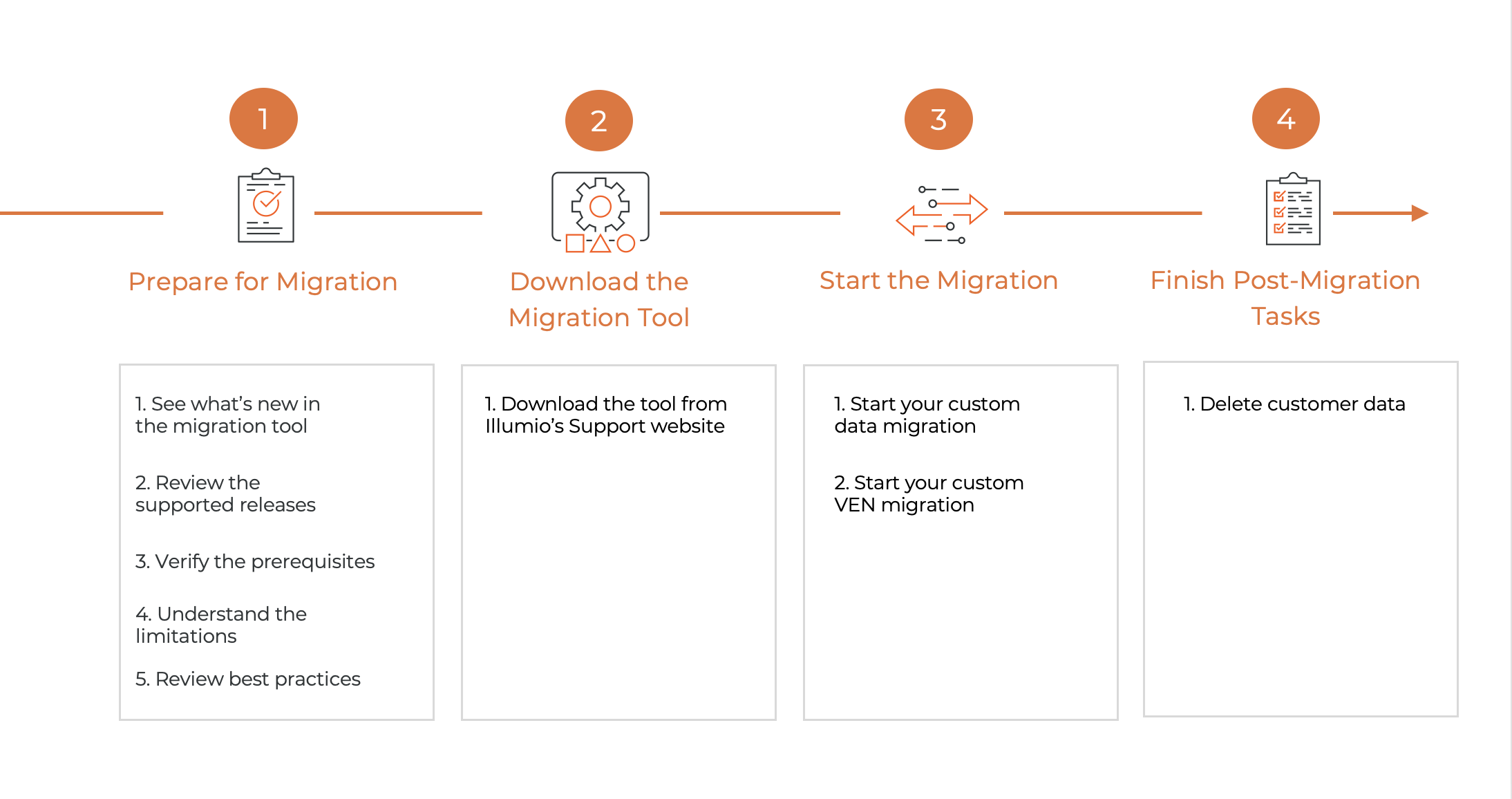 |
Supported Releases for Migration
Review the list of supported releases.
Product | OS | Migration-ready Releases |
|---|---|---|
Illumio Core PCE on-prem releases | RHEL/CentOS | The migration-ready version: 22.5 and later. Currently available version: 23.5.32+A2 |
Illumio VEN | N/A | 22.5 or later |
Prerequisites
Make sure you are on a supported version of the PCE (22.5 or later).
Make sure your data is clean before you start the migration. This includes ensuring there are no inconsistencies in VENs, such as duplicate VEN names, stopped VENs, or suspended VENs.
Provide Illumio with a copy of your database to validate the file before you start the actual migration.
Collect the list of VEN identifiers from each region of your supercluster. If you need help, contact Illumio.
Migration Process Workflow
Review the overview workflow for the custom migration.
Step | Details | Responsible |
|---|---|---|
1. Prepare for migration |
| Customer |
2. Learn about the migration tool and download it |
| Customer |
3. Start the migration | Customer and Illumio | |
4. Post-migration | Delete customer data. Make sure that the migration data is securely deleted on your on-prem PCEs to prevent leaks. | Customer |