Migration Overview
Learn how to use the pcemigrate tool to migrate from an on-prem PCE to a SaaS PCE.
Important
Contact your Illumio Account team to discuss, review, and plan the migration before you get started.
Important
Log in to the Illumio Support portal and download the migration tool.
Migration from an on-prem PCE to a new organization on a SaaS PCE is supported by Illumio.
Important
Migration from an on-prem PCE to an existing organization already in production on a SaaS PCE is supported only if:
The VEN migration is completed during a single maintenance window.·
No policy changes are made on the on-prem PCE during the migration.·
All VENs are migrated during a single maintenance window after the initial replication, and no synchronization of policy objects is performed between migrations of batches of VENs.
Merging into an existing org in production is not supported in general. For more information, contact Illumio.
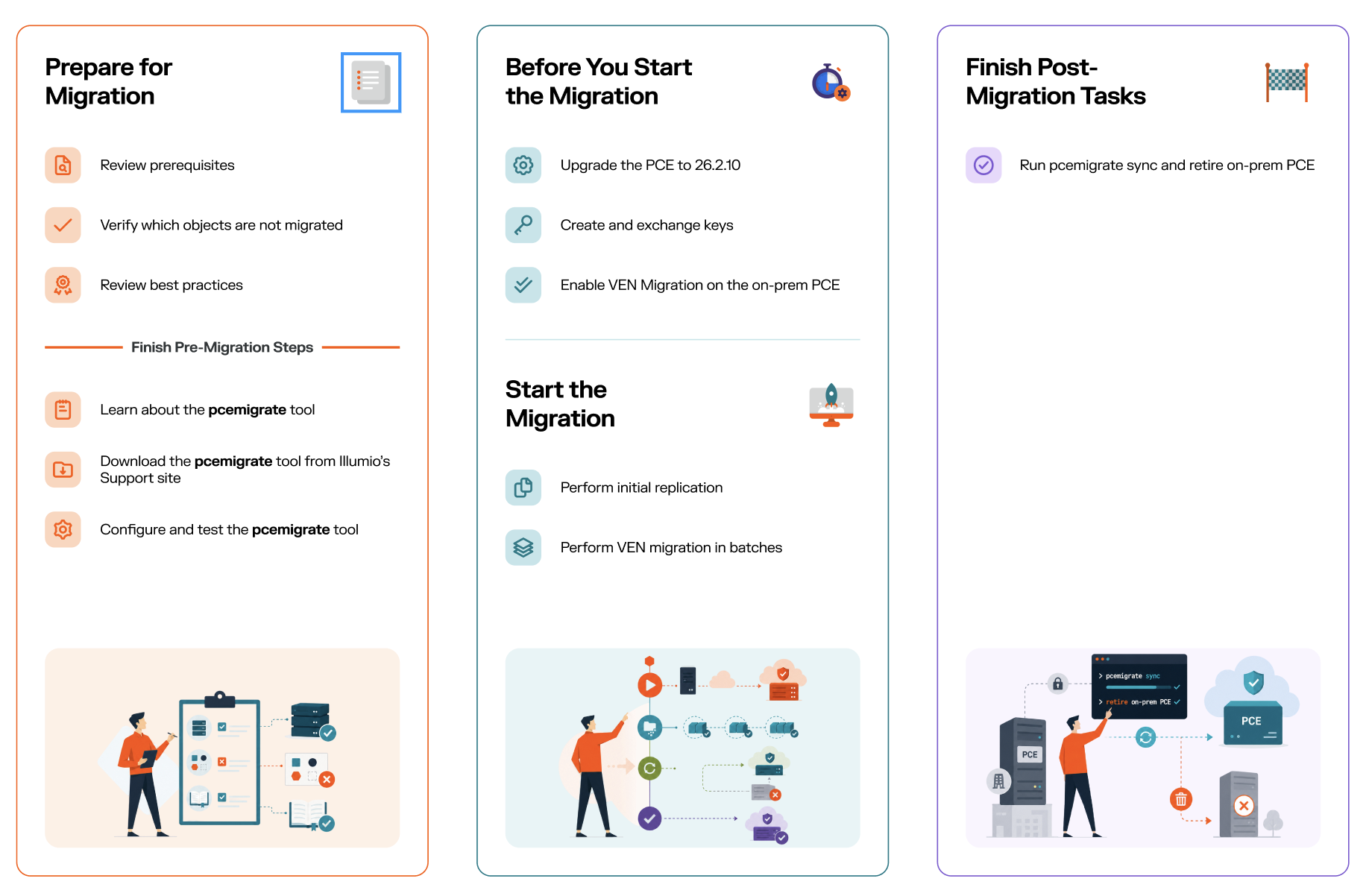
Phase | Step and Details | Related Links |
|---|---|---|
Prepare for Migration |
|
|
Before You Start the Migration |
| |
Perform the Initial Replication |
| See Initial Replication. |
Start the Migration |
| See Start Your VEN Migration in Batches. Review Changes During the VEN Migration. |
Post-Migration Tasks |
| Verify that the migration is complete. See Post-Migration Tasks. |