Before You Begin Setting Up the Illumio - Armis Integration
To start setting up the Illumio - Armis integration, you need to know your Authentication URL, Client Secret, and the API URL.
Your authentication URL is your <base_centrix_url+api/v1/access_token/>.
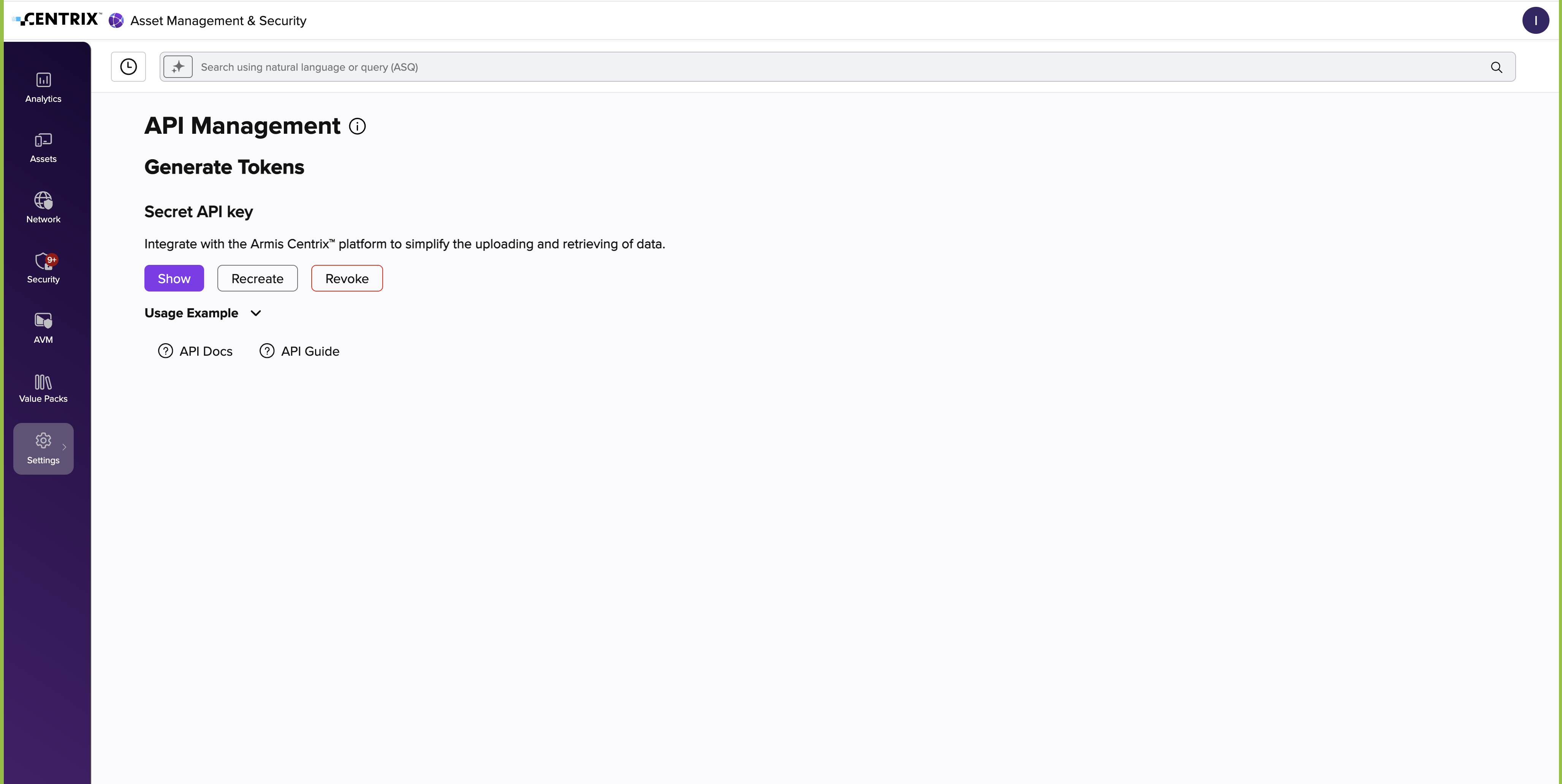
To get the Client Secret, log into Armis Centrix and navigate to Settings > API Management.
If you already have an API Key, click Show and copy the value.
If you do not have an API URL, click Create and copy the value. (If you have already created an API Key, you will see a Recreate button.)
Your API URL is your <base_centrix_url+api/v1>.