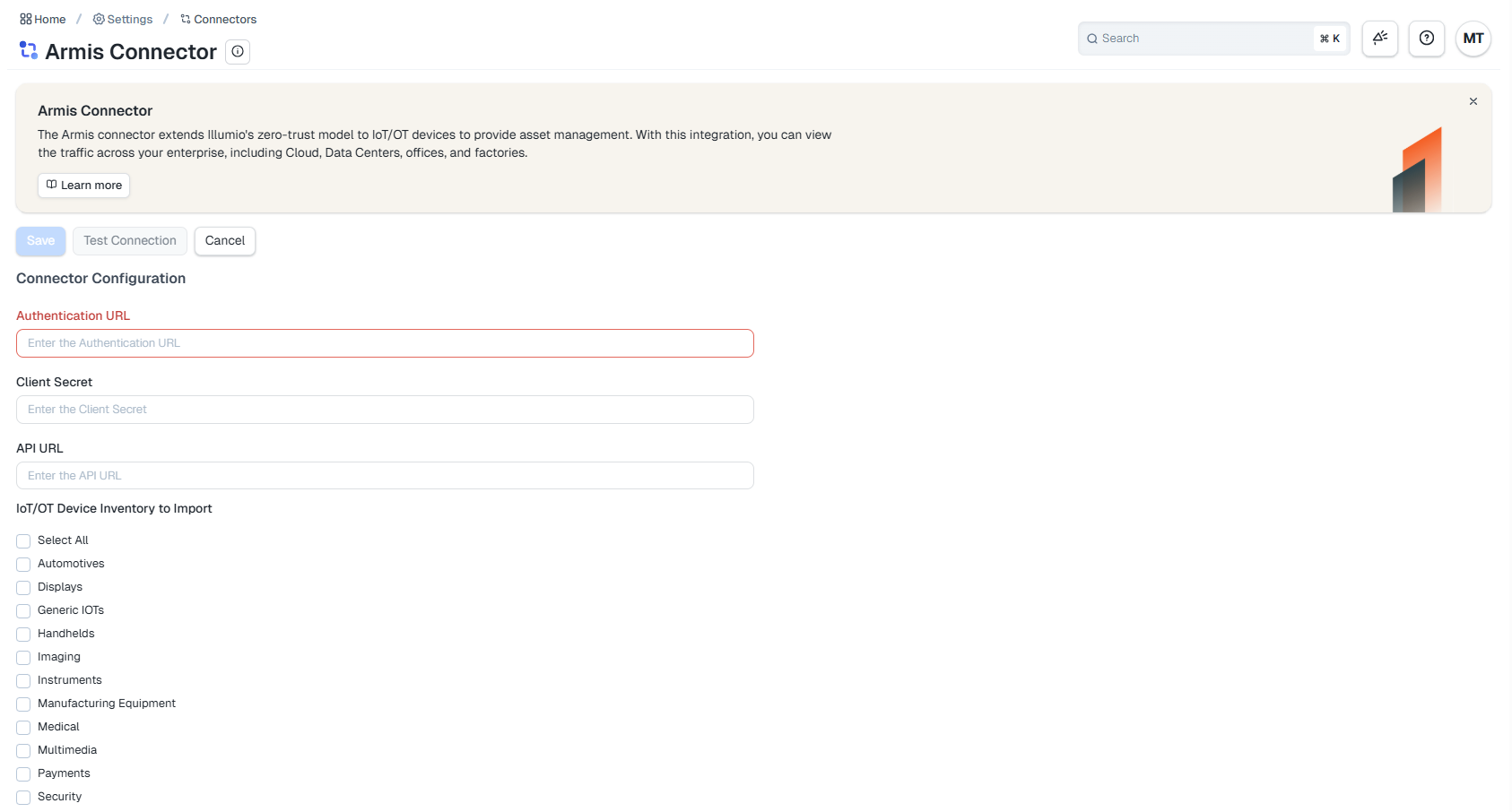
Onboard the Illumio and Armis Integration
Important
See Obtain the Required Values for the Illumio and Armis Integration to make sure that you have the necessary information before you onboard the integration.
Use the following procedure to onboard the Illumio and Armis integration:
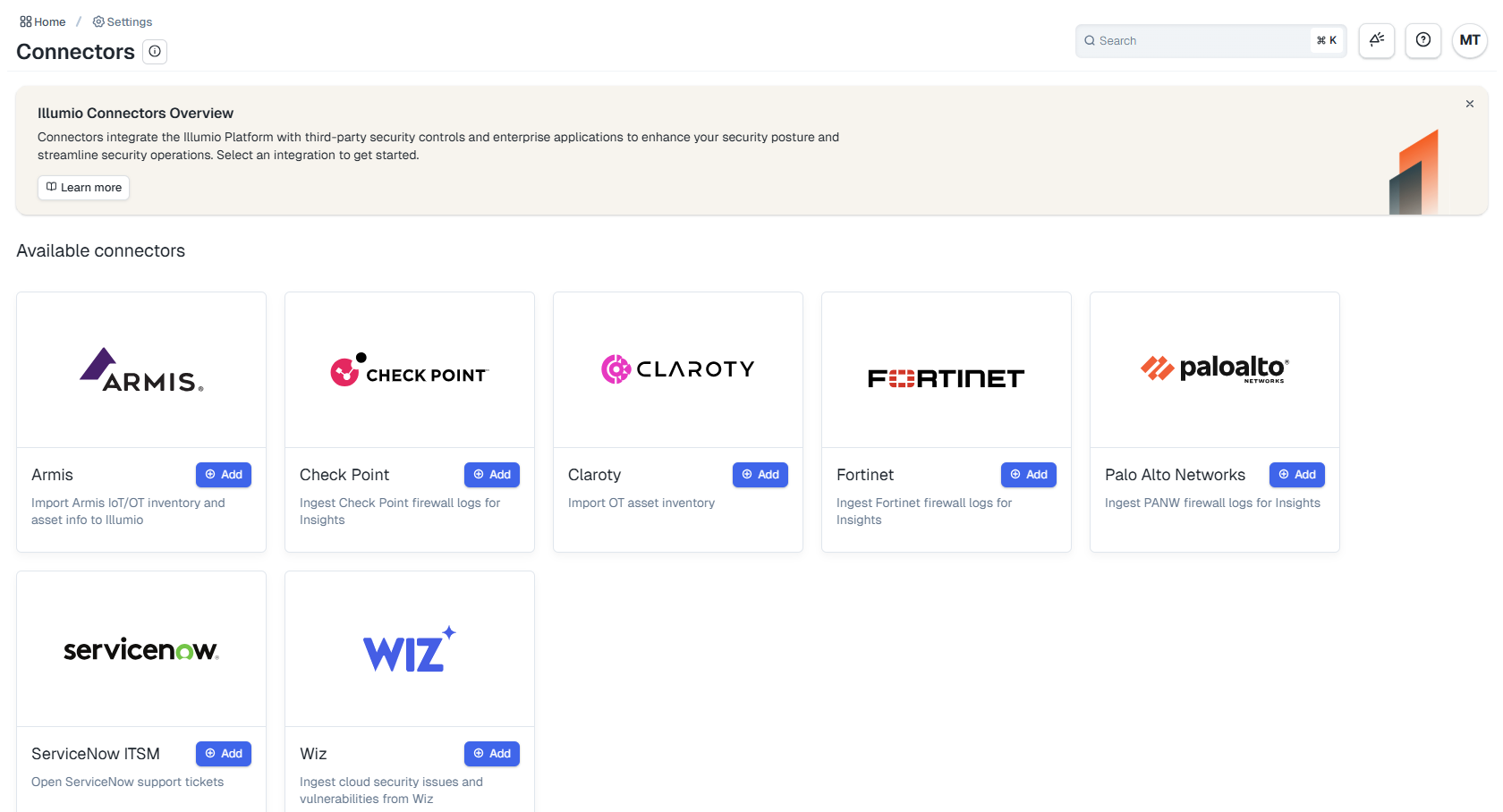
Within Illumio Console, navigate to the Connector page and click + Add on the Armis tile:
On the Connector Configuration page, enter the Authentication URL, the Client Secret, and the API URL:
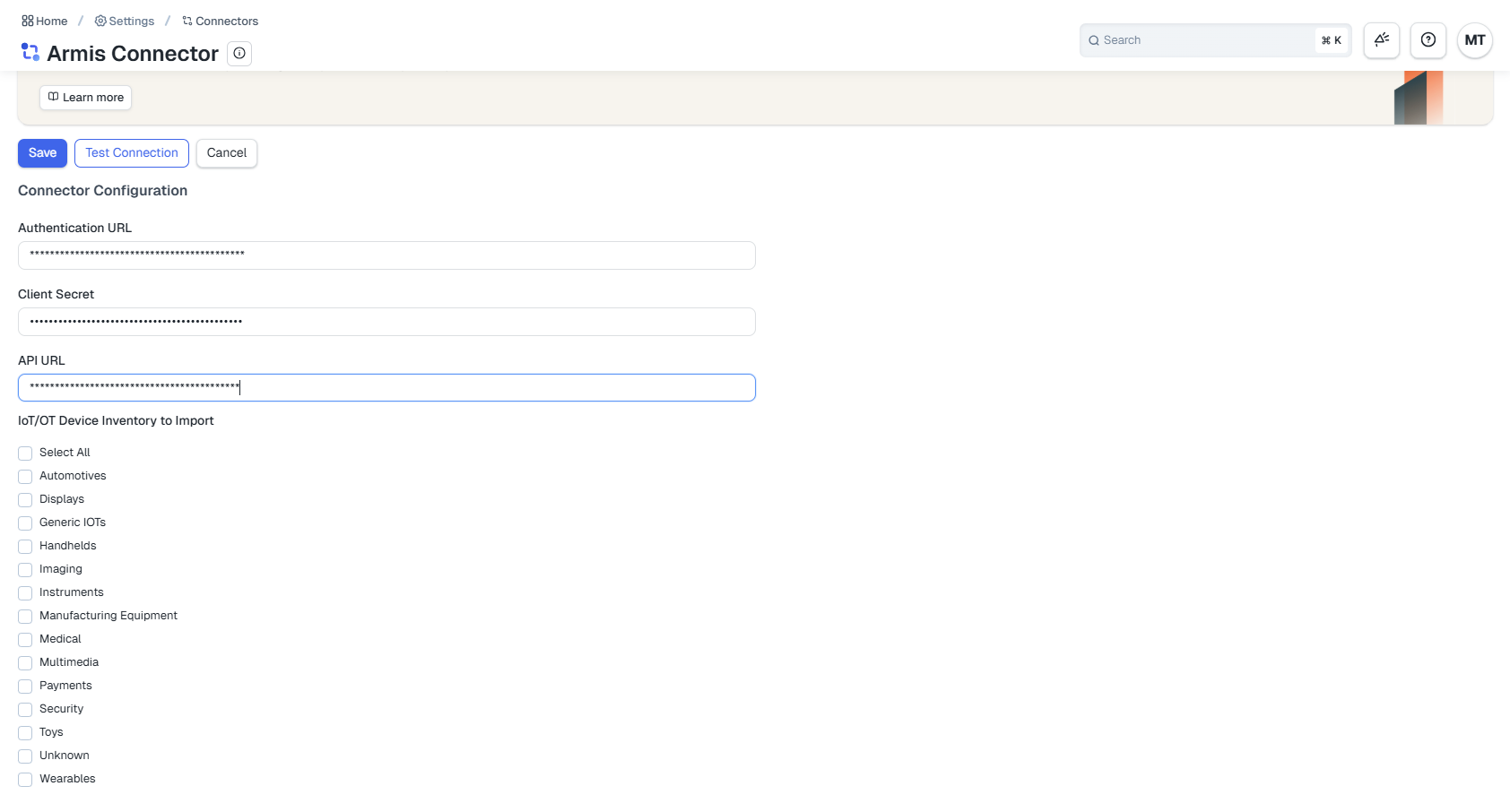
Click Test Connection.
Under IoT/OT Device Inventory to Import, select the device category that you want to import and click Save.