Authenticating Users with SAML
Users with the Owner role can add external users from identify providers (IdPs) that conform to the SAML (Security Assertion Markup Language) protocol.
Enabling SAML
Important
Choose either SAML or OIDC. Only one can be enabled at a time.
To enable SAML as an Owner:
Go to Access > Authentication.
Disable OIDC if it's enabled.
Select SAML.
Select Enable and confirm.
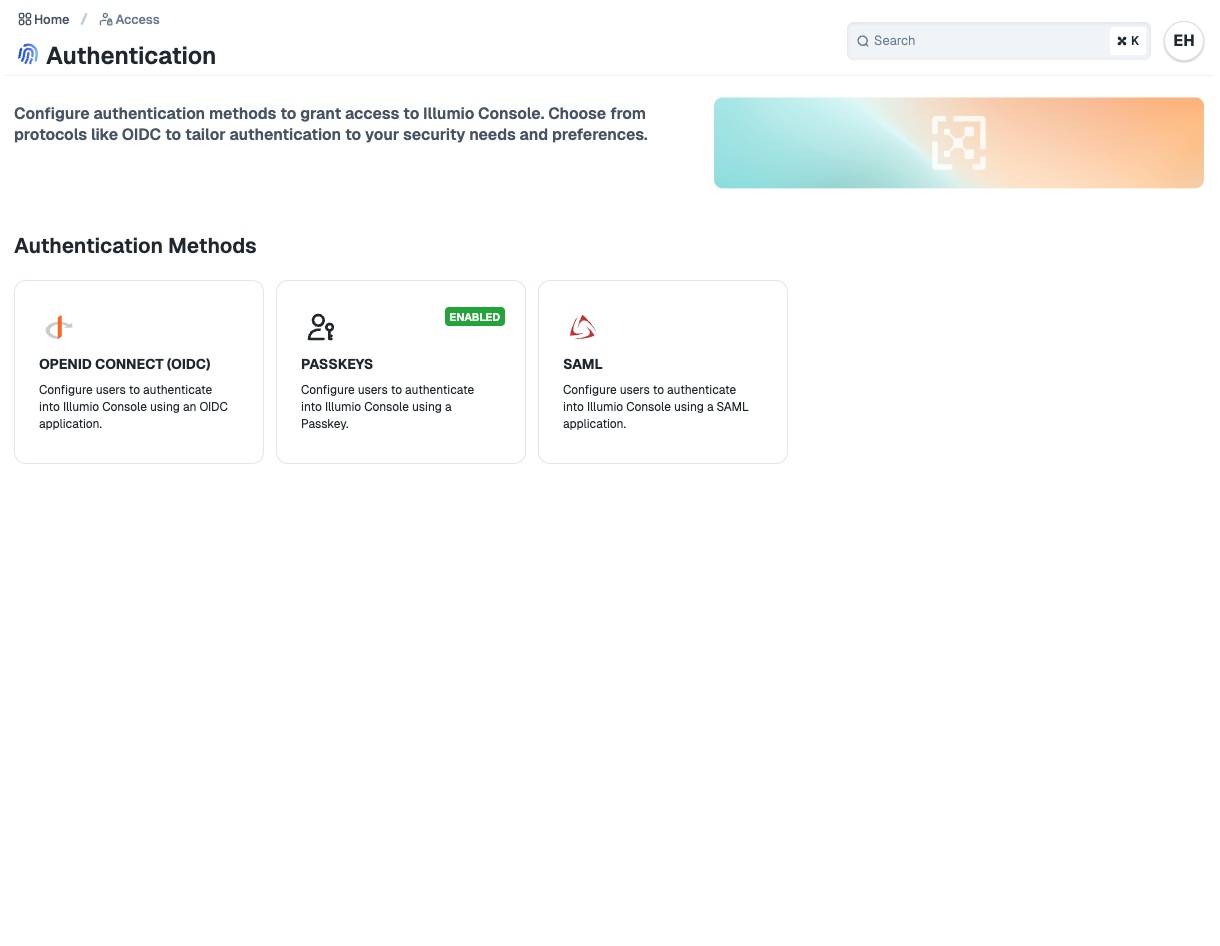
Configuring SAML
Before configuring SAML, get the following info from your IdP:
Identity Provider Certificate (x.509 certificate)
Remote Login URL
Logout Landing URL
To configure SAML, click Edit and enter the settings for your IdP.
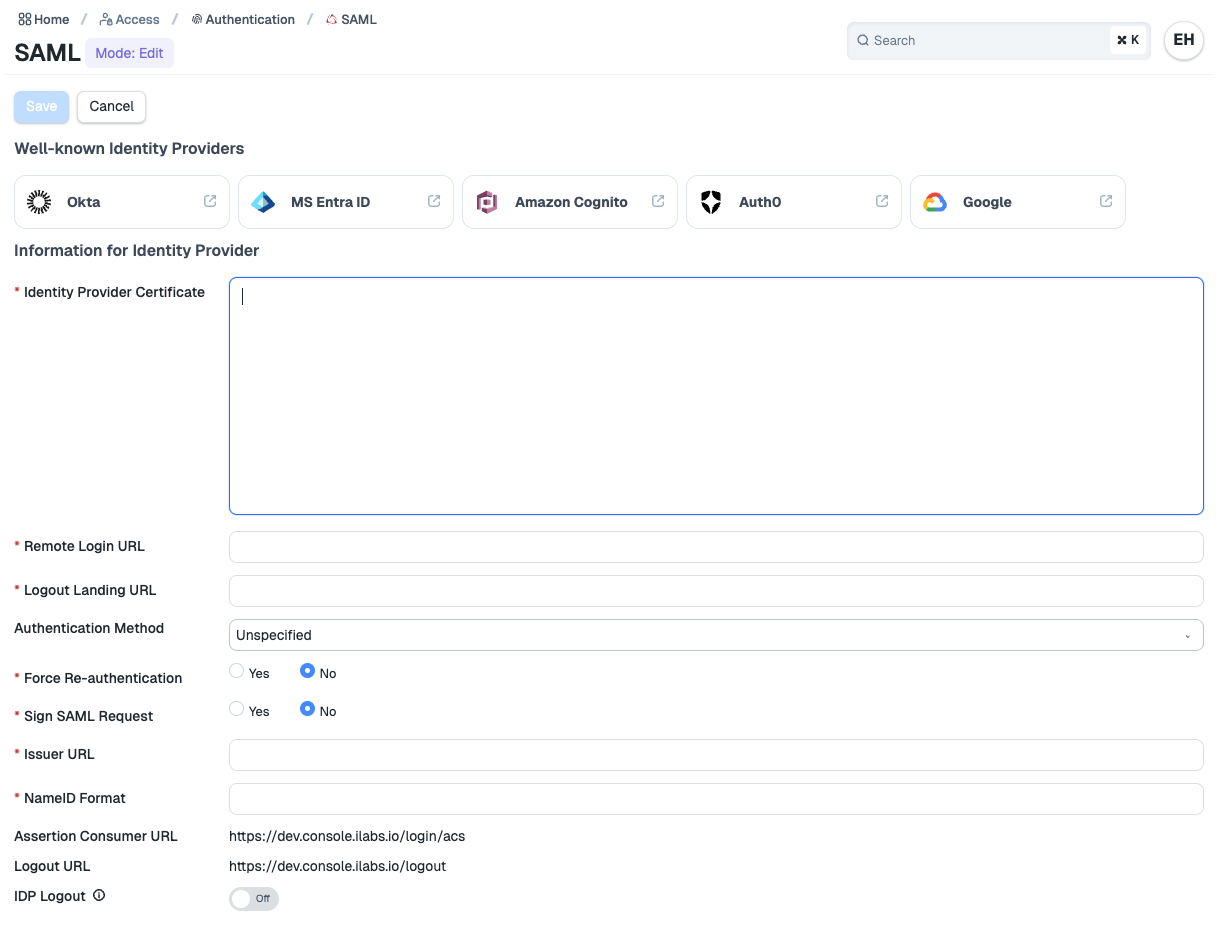
Some SAML settings of note:
Identify Provider Certificate: The IdP's x.509 signing certificate. Once entered, you can download or rotate the certificate.
Remote Login URL: The IdP SSO URL where AuthnRequests are sent to log in.
Logout Landing URL: The URL to direct users to after signing out of Illumio.
Authentication Method
Unspecified uses the IdP's default authentication mechanism.
Password Protected Transport requires the user to log in with a password in a protected session.
IdP Logout: If enabled, redirects to IdP's SLO after local sign-out.