Configuring Authentication Session Settings
Learn to configure settings for Illumio Console access, including session duration and token expiry.
Important
Configuring session settings requires a custom subdomain for Illumio Console. Learn more.
Open Session Settings
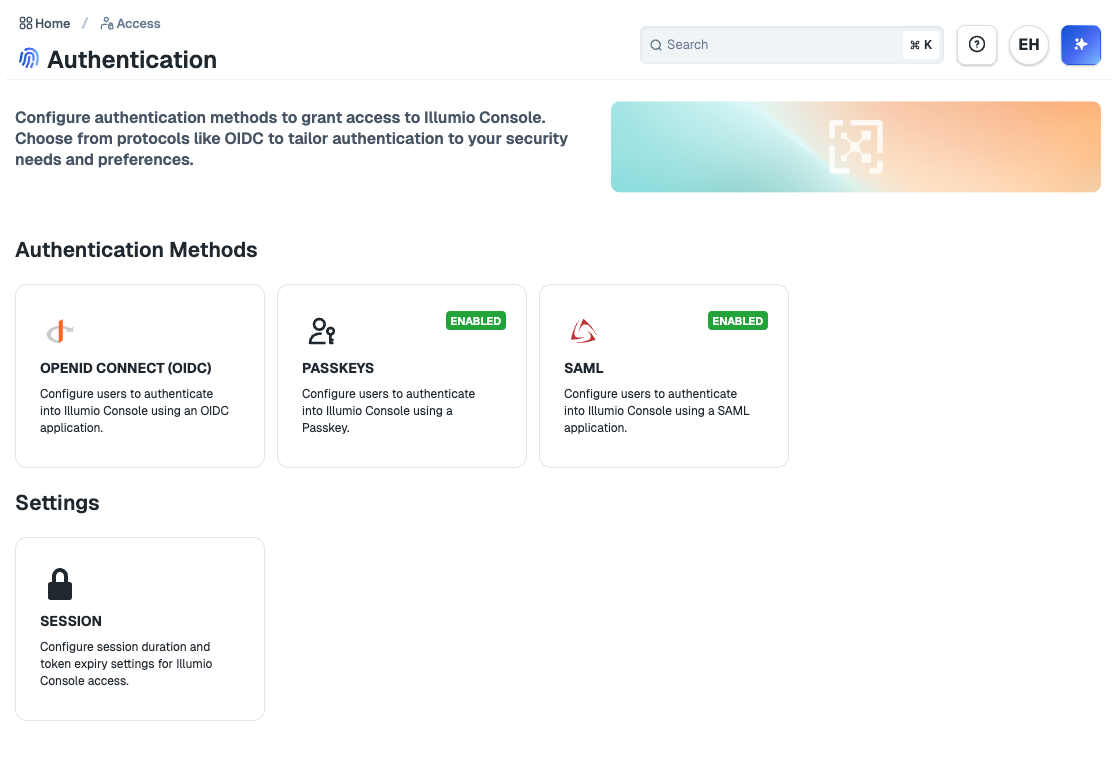
To open the authentication Session Settings page in Illumio Console, go to Access > Authentication and click on the Session card.
Edit Session Settings
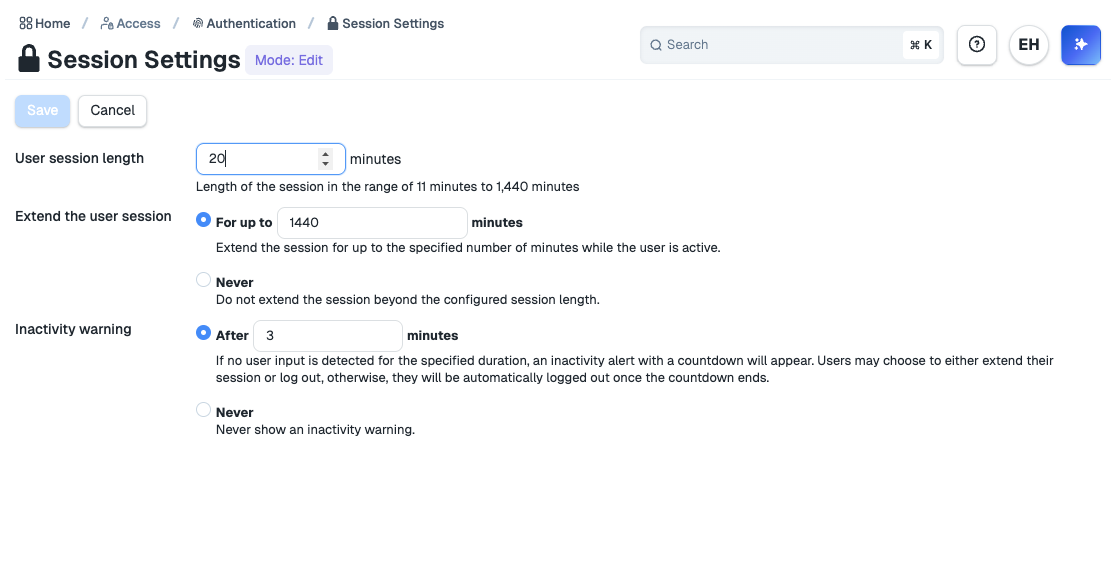
To edit authentication sessions settings, open the Session Settings page and click Edit.
Supported settings:
User session length: Duration of an authenticated user session.
Extend the user session: Additional duration of an authenticated user session when the user is active. Can be disabled.
Inactivity warning: Duration of inactivity before displaying an inactivity alert to the user. Can be disabled.