Before You Begin the Standard Migration
Before you begin the migration, verify that your SaaS tenant is provisioned.
Caution
Illumio recommends the custom migration for customers with workloads of fewer than 20,000.
Make sure you’re set up for success
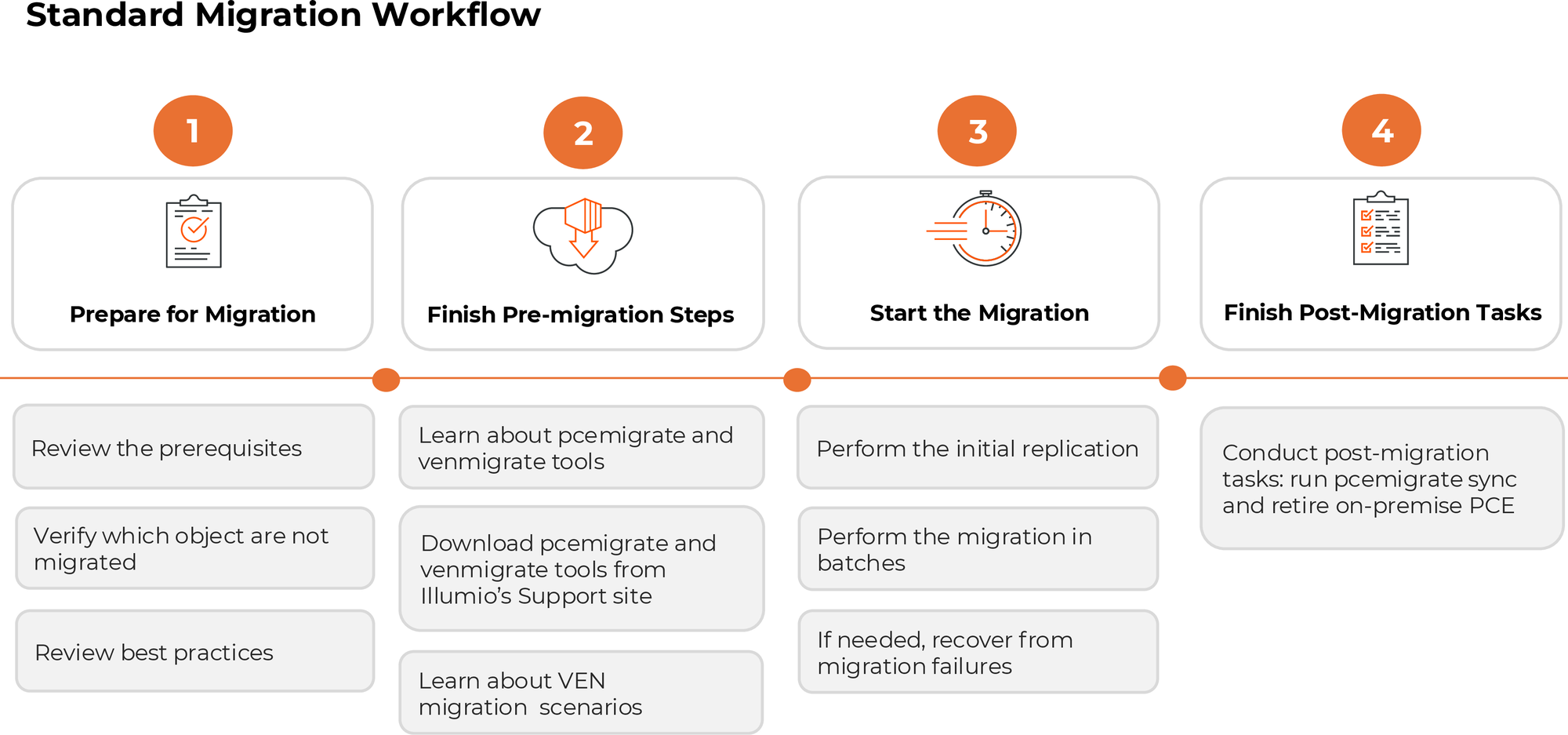
Supported Releases for Migration
Review the supported releases for migration.
OS | Release/Version | |
|---|---|---|
Illumio Core PCE On-premise releases | RHEL/CentOS | The migration-ready version: 22.5 and later. Currently available version: 23.5.32+A2 |
Illumio VEN | The migration-ready version: 22.5 and later |
Prerequisites for the VEN Software
Make sure you are on a supported version of the VEN (22.5 or later) for Windows, Linux, macOS, and AIX.
Supported Endpoints: Endpoints must run a supported OS (Windows, Linux, macOS, AIX).
Prerequisites for the SaaS Target
Basic Organization Setup: The organization's setup must be complete in the Illumio SaaS.
Access Configuration: Configure Illumio SaaS access settings (Local users, OIDC, IdP).
Owners/Administrators: Configure the organization owners on the Illumio SaaS.
S3 Buckets: Configure S3 buckets if applicable.
API Keys: Generate API keys for the migration tools.
Certificate Trust: Adjust end-to-end certificates so the Illumio SaaS can be accessed from the workstation running
pcemigrate.Pairing Profiles: Set up pairing profiles.